
Let a moment find you.
With Absolute, explore random photos and stumble into something you’d almost forgotten.
Rediscover your photo library through weekly recaps, city memories, and familiar themes.
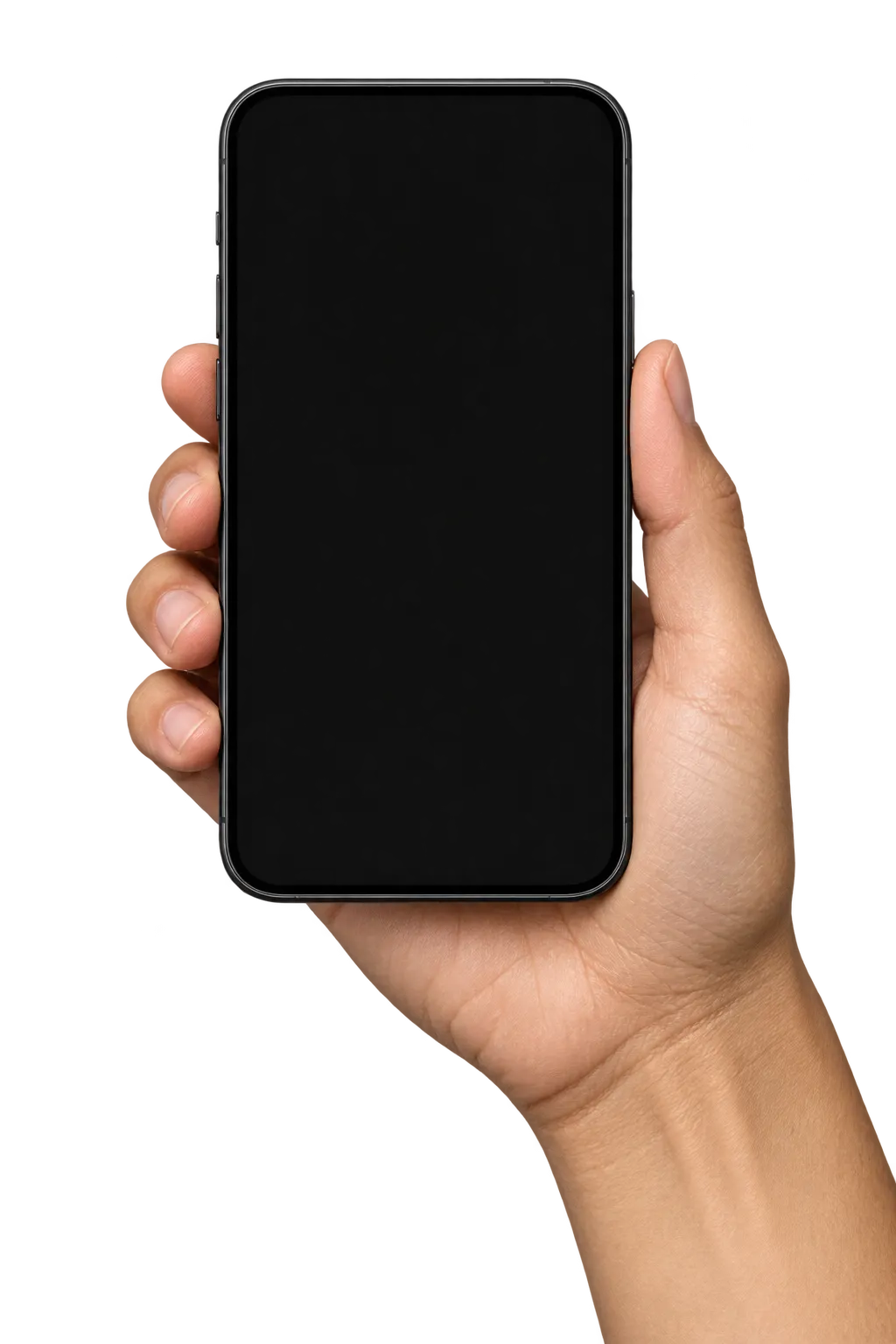
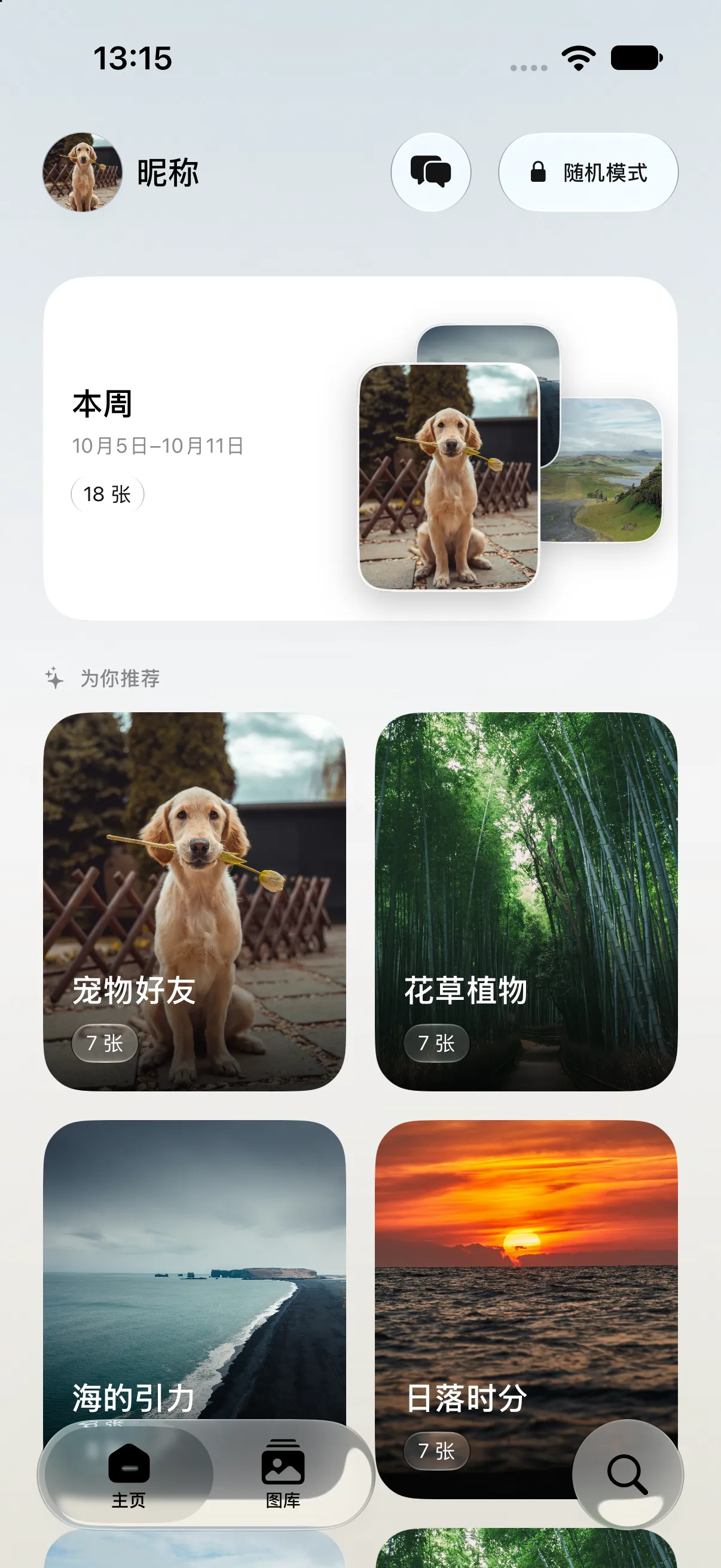
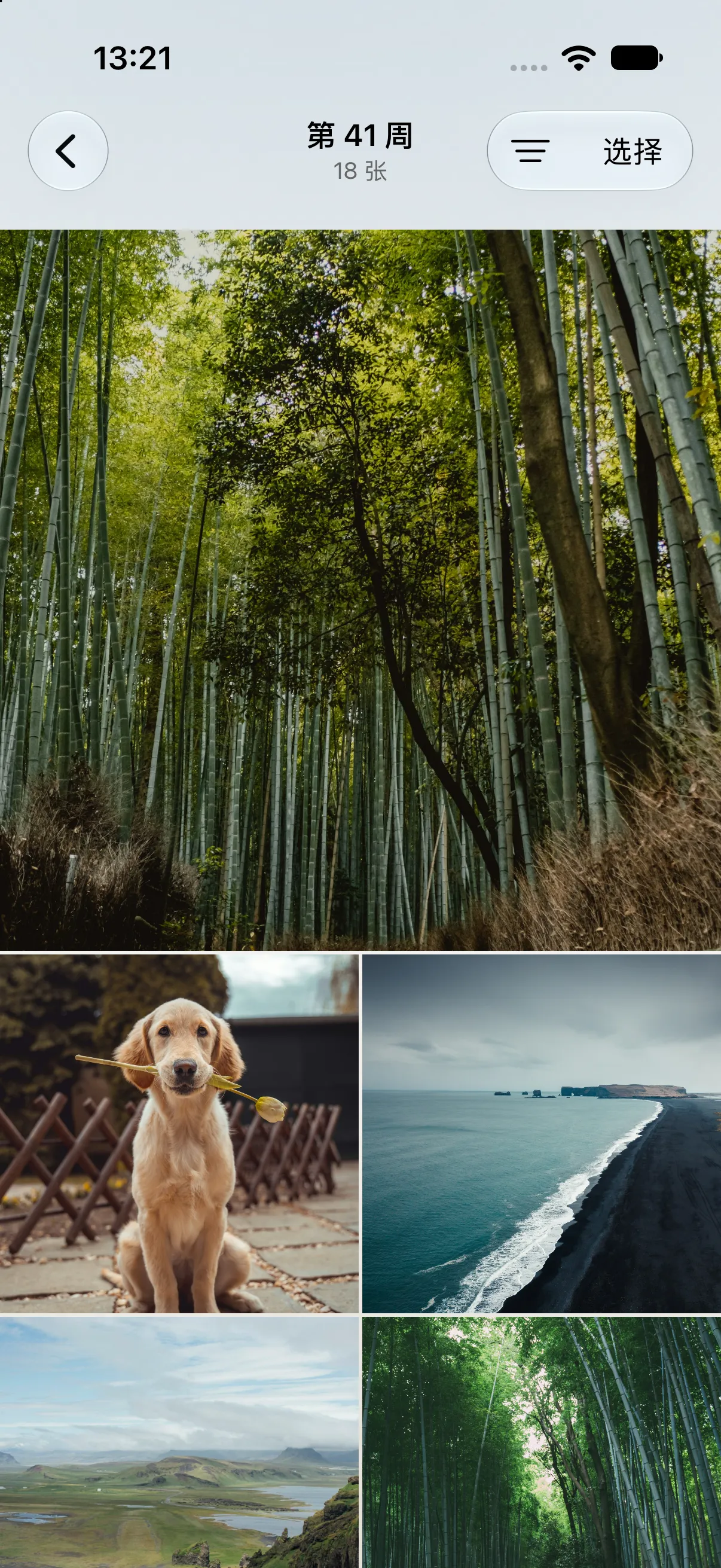
The walk. The weekend. The photo you took for no particular reason. Browse your photos week by week, and find the life between the highlights.

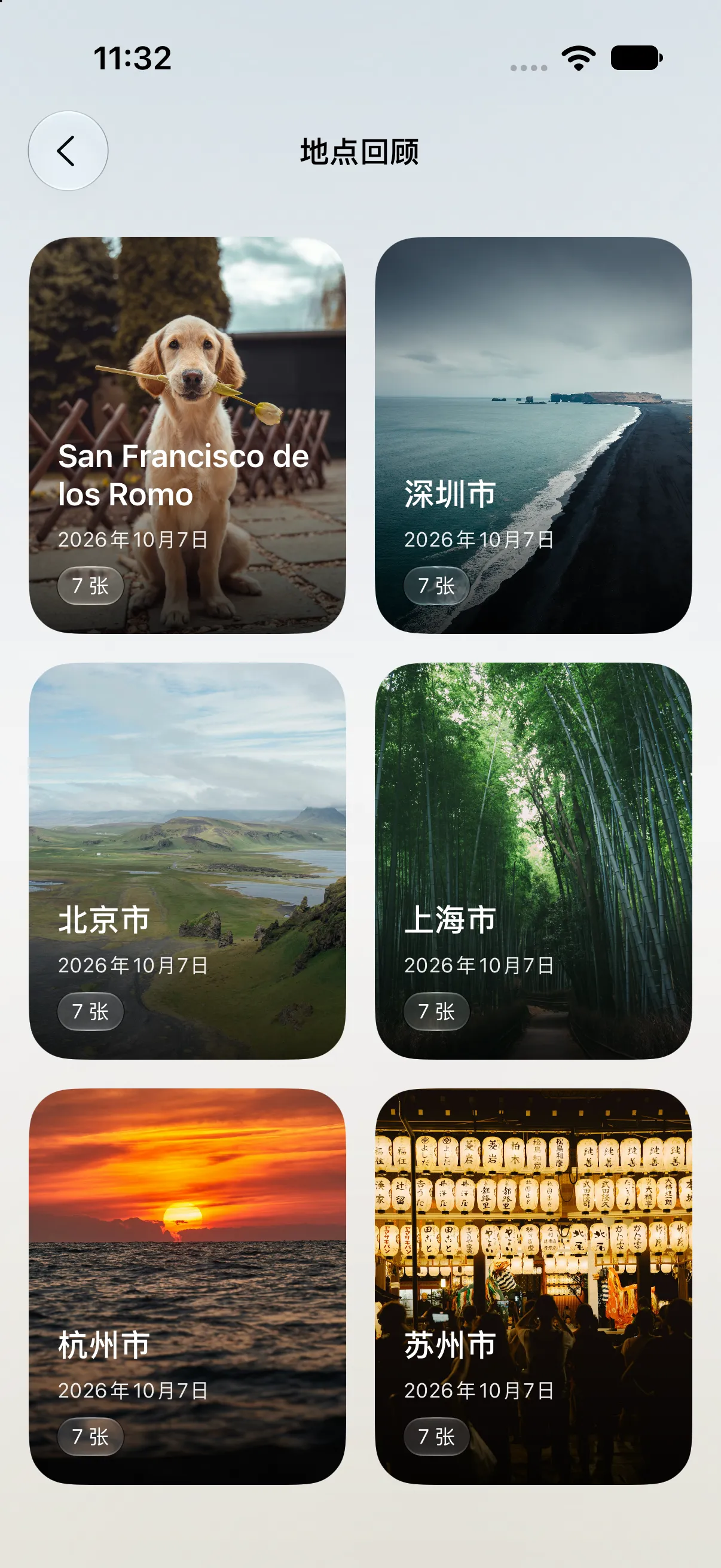
Revisit the places your photos remember. Open a city collection and see the moments connected to it, even when they’re weeks apart.

Pets, plants, the sea, the last light of the day. On-device organization brings familiar themes together, so a little curiosity can take you a long way.

With Absolute, explore random photos and stumble into something you’d almost forgotten.
Turn a favorite photo into a thoughtfully framed card, ready to share.
On Apple Intelligence devices, ask in your own words to find photos through indexed themes, dates, and favorites.
Photo organization and the assistant run on your device. There’s no new Recap account to create. Just your photos, and a new way to spend time with them. System services such as iCloud photo downloads and map lookups may use the network.
Read our privacy notesRecap is currently in beta. When public invitations are available, the beta button will take you to Apple’s TestFlight invitation. Install TestFlight, accept the invitation, then install Recap. Invitations are still being prepared.
Recap targets iPhone and iPad running iOS 18.6 or later. The local assistant has additional Apple Intelligence requirements; the other advertised browsing features don’t require Apple Intelligence.
You can grant full access or choose a limited selection. Recap can only browse and organize photos you allow it to access. City collections need location information in those photos.
Photo classification, indexed search, and the assistant run on your device. The assistant does not receive photo pixels or send your conversation to GPT. iCloud photo downloads, location names, and maps may rely on Apple’s network services.
It searches existing photo indexes using supported themes, recognition tags, dates, favorites, and media types. It does not recognize arbitrary people or places. It requires iOS 26+, an eligible device, Apple Intelligence enabled, and a ready local model.
Some advanced features require a membership. Random browsing currently requires Absolute access. Availability and membership details are shown inside the app; the website does not promise that every beta feature is free.
Beta testers can open Recap in TestFlight and choose “Send Beta Feedback.” Screenshots and a short description of what happened are always helpful.
A whole lot of life. Already in your pocket.